Windows app

Windows Effects

Choose from ten mouse trails: floating hearts, sparkles, bubbles, pixels, a candy spring, ripples and colorful dots.

On your Windows desktop: use Cursor Style for Windows. Inside Chrome tabs: use the Chrome extension.

Hover or press Preview. With reduced motion, previews stay still.

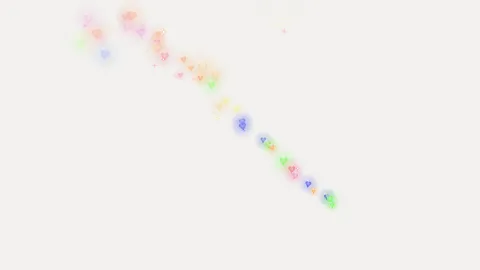
  • Preview of the Rainbow Hearts Windows effect

    Rainbow Hearts

    Tiny hearts in every colour of the rainbow pop out behind your mouse and slowly fade away.

    Look closer
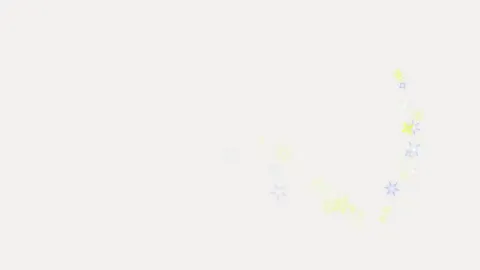
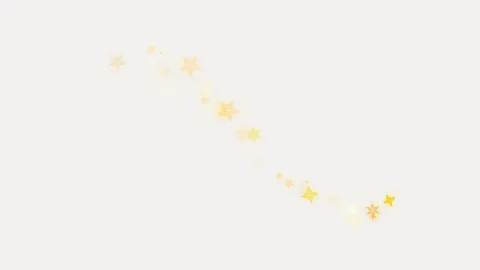
  • Preview of the Sparkle Stars Windows effect

    Sparkle Stars

    A sprinkle of little stars, like magic dust falling off your pointer.

    Look closer
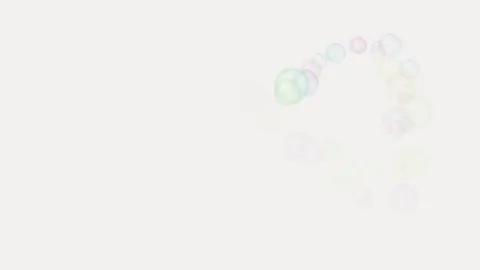
  • Preview of the Bubble Pop Windows effect

    Bubble Pop

    Soap bubbles float up wherever you move, then quietly pop.

    Look closer
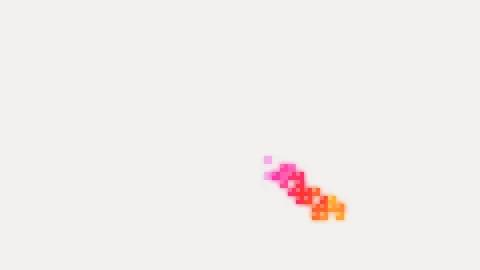
  • Preview of the Pixel Rainbow Windows effect

    Pixel Rainbow

    Chunky rainbow pixels, like an old video game following your mouse.

    Look closer
  • Preview of the Candy Spring Windows effect

    Candy Spring

    A stretchy candy-coloured spring that bounces after your pointer.

    Look closer
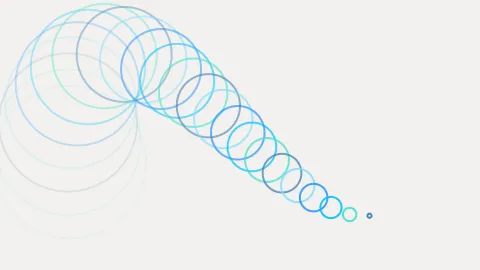
  • Preview of the Ocean Ripples Windows effect

    Ocean Ripples

    Blue rings spread out behind you, as if your mouse were dipping into water.

    Look closer
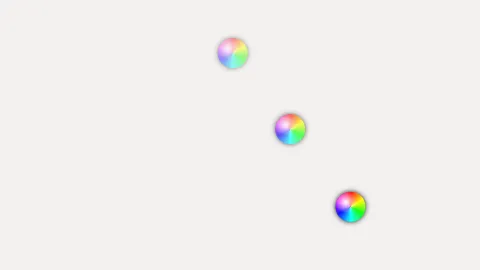
  • Preview of the Rainbow Dots Windows effect

    Rainbow Dots

    A row of round rainbow dots that trail along and shrink away.

    Look closer
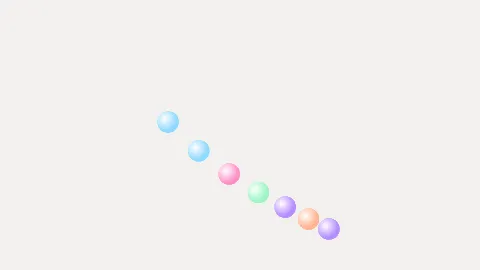
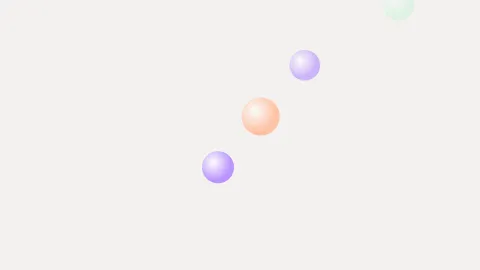
  • Preview of the Candy Dots Windows effect

    Candy Dots

    Soft candy-coloured dots - pink, mint and lemon - bouncing after your mouse.

    Look closer
  • Preview of the Golden Sparkles Windows effect

    Golden Sparkles

    Golden sparks, like a sparkler drawing in the air.

    Look closer
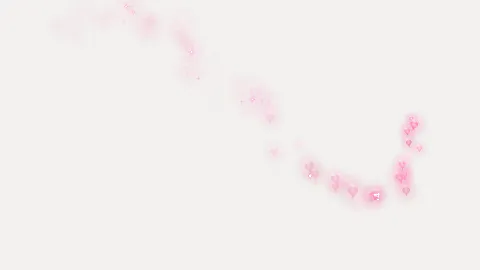
  • Preview of the Pink Hearts Windows effect

    Pink Hearts

    Soft pink hearts, only pink ones, floating up behind your pointer.

    Look closer
Arrow
Hand

Apply in Windows

Make this pair your real Windows mouse pointer - in every app, not just this browser.

Already have the app?

Open in Cursor Style

Your browser may ask to open Cursor Style - allow it. The app shows a preview and changes nothing until you confirm.

Don't have the app yet?

  1. Download and install Cursor Style for Windows - free, about 3 MB, no admin rights.
  2. Come back and click Apply in Windows again.
  3. Confirm the preview in the app - your new pointer is live.
Download Cursor Style for Windows